
Follow this tutorial to set up and use the Rank Quest mode in Pet Simulator 99. This guide covers keybinds, scaling, Roblox version requirements, settings, and potential issues.
Settings for all modes
Computer Settings
| Setting | Requirement | How To Change |
|---|---|---|
| Scale | 100% | Windows + I > Home > Display |
| Keyboard | QWERTY | Windows + I > Time & language > Language & region |
| Language | English | Windows + I > Time & language > Language & region |
Ensure your display scaling is set to 100%. Incorrect scaling will cause the mode to click in the wrong places.
Roblox Client Settings
| Setting | Requirement | How To Change |
|---|---|---|
| Version | Windows App | Roblox Website |
| Camera Mode | Classic | Escape > Settings |
| Movement Mode | Default | Escape > Settings |
PS99 Settings
| Setting | Requirement | How To Change |
|---|---|---|
| Action Mode | Priority | Settings Icon > Action Menu |
Macro Requirements
The mode has the following prerequisites.
- All worlds and zones must be unlocked.
- No gamepasses are needed.
Macro Configuration
To maximise efficiency, the mode settings should be configured specifically for your character.
Basic Configuration
Basic configuration is completed in the Settings.ini file. Any changes made to this file take effect immediately. Each setting and its purpose is described in the file, but some important settings are as follows:
- EggsAtOnce
- HasGamepassAutoFarm
- HasGamepassVip
- HasShinyHoverboard
- StandardPetsRequiredForUpgrade
- GoldenPetsRequiredForUpgrade
- PotionsRequiredForUpgrade
- EnchantsRequiredForUpgrade
To change a setting, edit the value after the equals (=) sign, which is the white true/false values in the following example.

Keybinds
The following keybinds are defined in the Settings.ini file and must be added in game using the Settings menu and Keybind option. Note that all keys are lowercase.
| Item | Key |
|---|---|
| Lucky Block | l (lowercase L) |
| Basic Coin Jar | j |
| Comet | c |
| Piñata | p |
| Sprinkler | r |
| Party Box | b |
| Quest Flag | 0 |
| Flag Last Zone | z |
| Potion Tier III | 3 |
| Potion Tier IV | 4 |
| Potion Tier V | 5 |
| Supercomputer | Ctrl + z |
Advanced Configuration
Advanced configuration is completed using the following ahk files. The macro must be restarted for any of these changes to take effect.
| Files | Description |
|---|---|
Modules\Quests.ahk |
Contains the priorities for each individual quest. Quests are completed based on their priority and star amount. If two quests have the same priority, the one with the higher stars will be completed first. A quest can be disabled by setting its priority to 0. |
Modules\Movement.ahk |
Contains the movement paths to different areas including VIP, the centre of the best zone, the best egg, and the rare egg. |
Item Requirements
The mode is designed to help you reach Max Rank and requires specific resources to do so.
Items Required
The following items are essential for the mode to rank up your character.
| Items | Quests |
|---|---|
| Basic Coin Jars | Break Basic Coin Jars in the Best Area |
| Comets | Break Comets in the Best Area |
| Lucky Blocks | Break Lucky Blocks in the Best Area |
| Basic Coin Jars | Break Basic Coin Jars in the Best Area |
| Piñatas | Break Piñatas in the Best Area |
| Fruit | Use Fruits |
| Standard Best Pets | Make Golden Pets from the Best Egg |
| Golden Best Pets | Make Rainbow Pets from the Best Egg |
| Flags* | Use Flags |
| Tier III Potions* | Use Tier III Potions Collect Potions |
| Tier IV Potions* | Use Tier IV Potions |
| Tier V Potions* | Use Tier V Potions |
| Tier III Potions* | Use Tier V Potions |
| Tier III Enchants* | Collect Enchants |
* The Flag, Potion, or Enchant type can be defined in the Settings.ini file.
Items Recommended
The following items are recommended for the mode to rank up your character more efficiently.
| Items | Quests |
|---|---|
| Chest Mimic | Break Mini-Chests in the Best Area |
| Diamond Chest Mimic | Break Mini-Chests in the Best Area |
| Superior Chest Mimic | Break Superior Mini-Chests in Best Area |
| Chest Spell Ultimate | Break Mini-Chests in the Best Area |
| VIP Gamepass | Break Diamond Breakables |
| Double Stars Gamepass | All |
Tips
To prevent the mode from malfunctioning, keep the following in mind:
- Avoid moving your camera after joining Pet Simulator 99, as this can disrupt the macro’s operation.
- If you have millions of potions or enchants, store most of them in a box. Otherwise, the conversions will fail. About 10,000 of each quest potion/enchant should be plenty.
- Do not activate a game pass that you don’t own, such as auto-farm. Doing so will bring up the Robux purchase screen and cause the mode to malfunction.
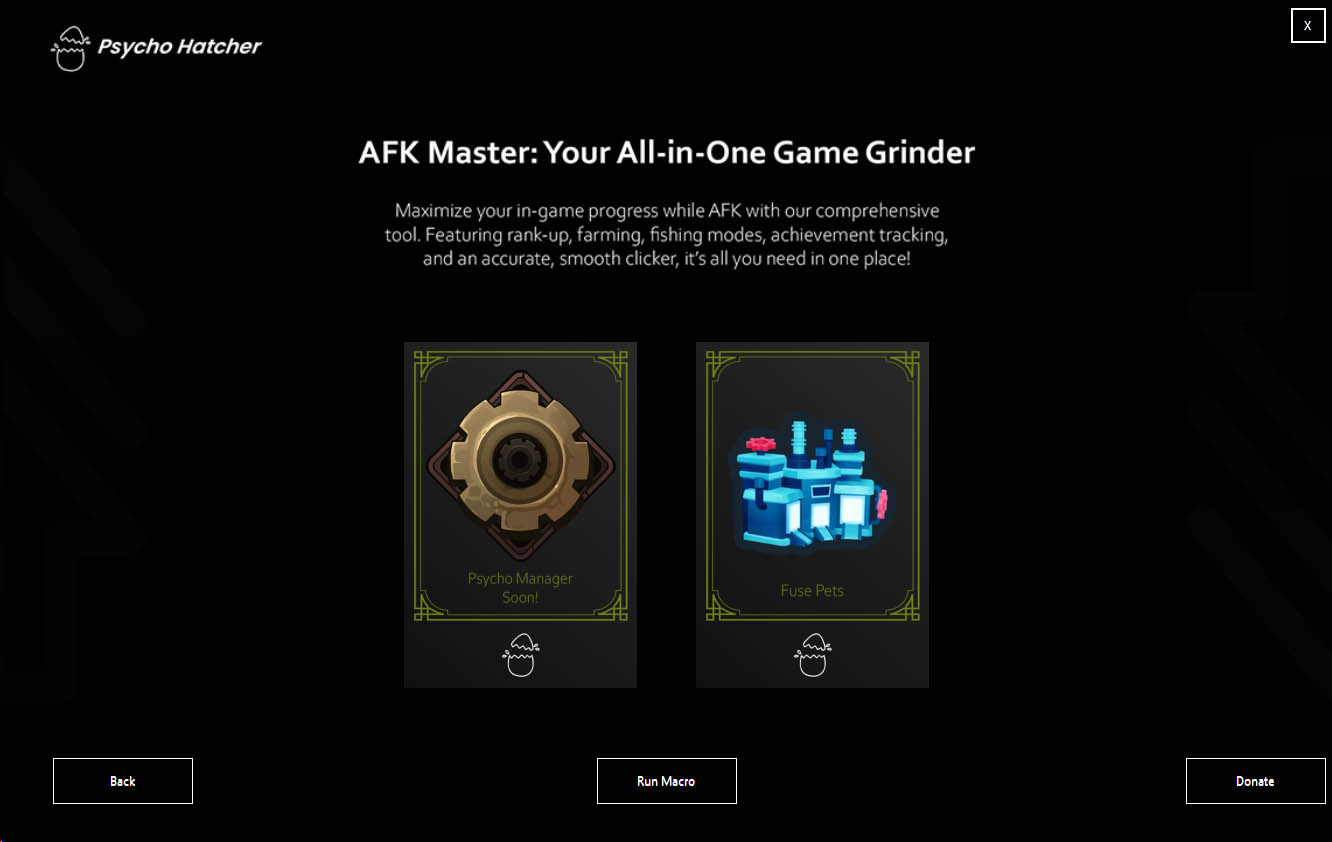
New Update: We have Dropped Our Newest Mode – FUSE PETS Mode! V1.0.19
Update 1.0.19 Tree House Mode Is Now Available! Check On Youtube We have Dropped Our…
🎉 OUR BIG UPDATE IS FINALLY HERE! 🎉
Update 1.0.16 Tree House Mode Is Now Available! Check On Youtube OUR BIG UPDATE IS…
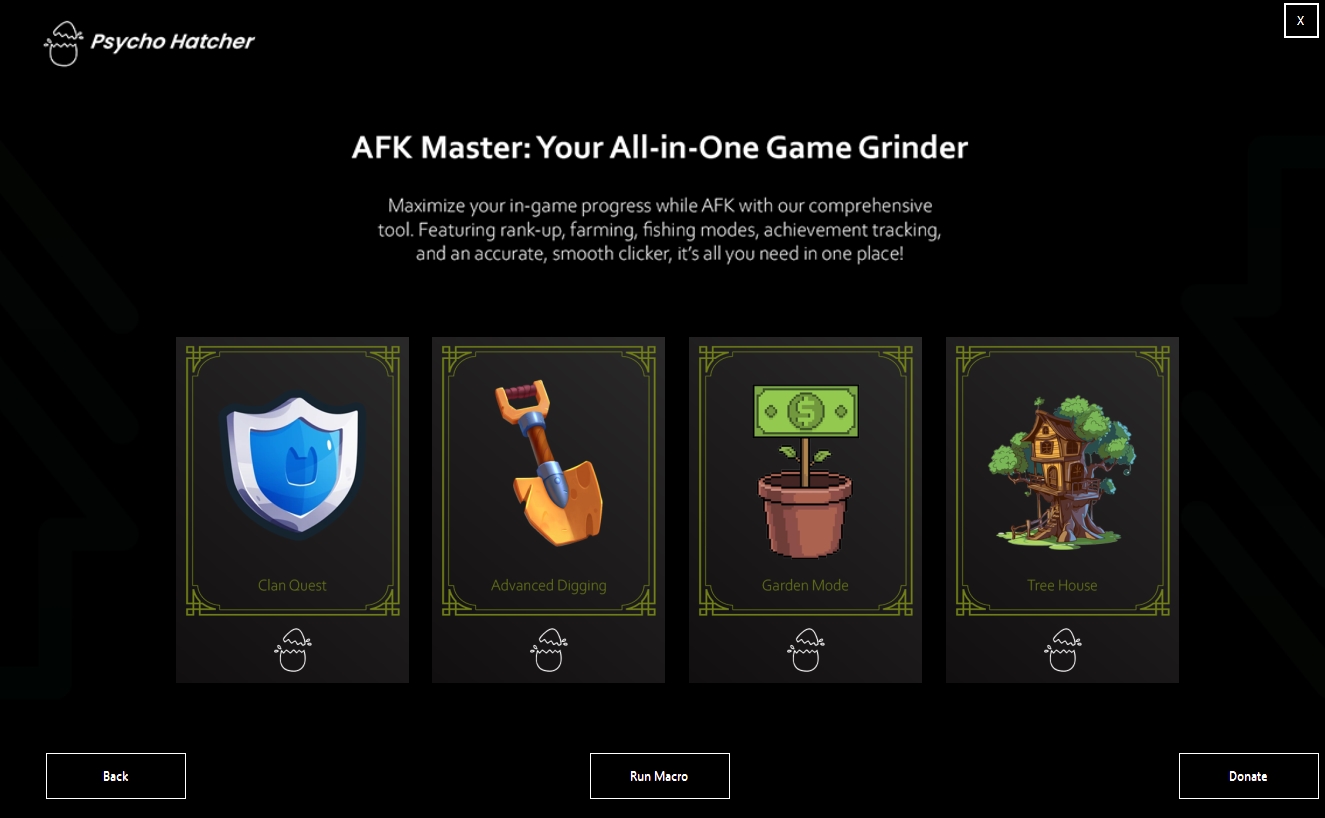
🌳 Tree House Mode Is Now Available! 🌳
We are excited to introduce our newest mode, Tree House, which has finally come out!…