
💥 How to Use Bubble Gum Simulator Infinity (PC Guide)
Welcome to the ultimate setup guide for Bubble Gum Simulator Infinity! Follow these simple steps to make sure your game and macros run smoothly.
🖥️ PC Settings
- Display Scaling
– Set your display scaling to 100%.
– You can adjust this by going to:
Right-click Desktop > Display Settings > Scale and Layout > 100% - Roblox Installation
– Make sure you’ve installed Roblox directly from the official site:
https://roblox.com/
– Do NOT use the Microsoft Store version! - Full Screen Mode
– Turn off Full Screen in Roblox.
– This mode only works when Roblox is in Windowed Mode.
🎮 In-Game Settings
- Camera
– After joining Bubble Gum Simulator, do not move your camera.
– The macro depends on the default camera angle. - Zone Requirement
– Make sure you’ve unlocked the Current Best Zone — this mode only works there! - World Teleport
– You must have the World Teleport feature unlocked. - Transparency
– full is a must. 
⚙️ Macro Settings
- Speed Selection
– Choose your macro speed based on your mastery level:
Level 1-4: Pick the speed that matches your setup for optimal performance. - Auto-Sell Loops
– Set how often the macro will sell gum:
5-7 loops is recommended for stable results. - Claim Rewards
– Tick this option ON if you want the macro to automatically claim your playtime rewards.
💬 Need Help?
If you encounter any errors or issues, please open a support ticket on our Discord server:
https://discord.com/psychohatcher/
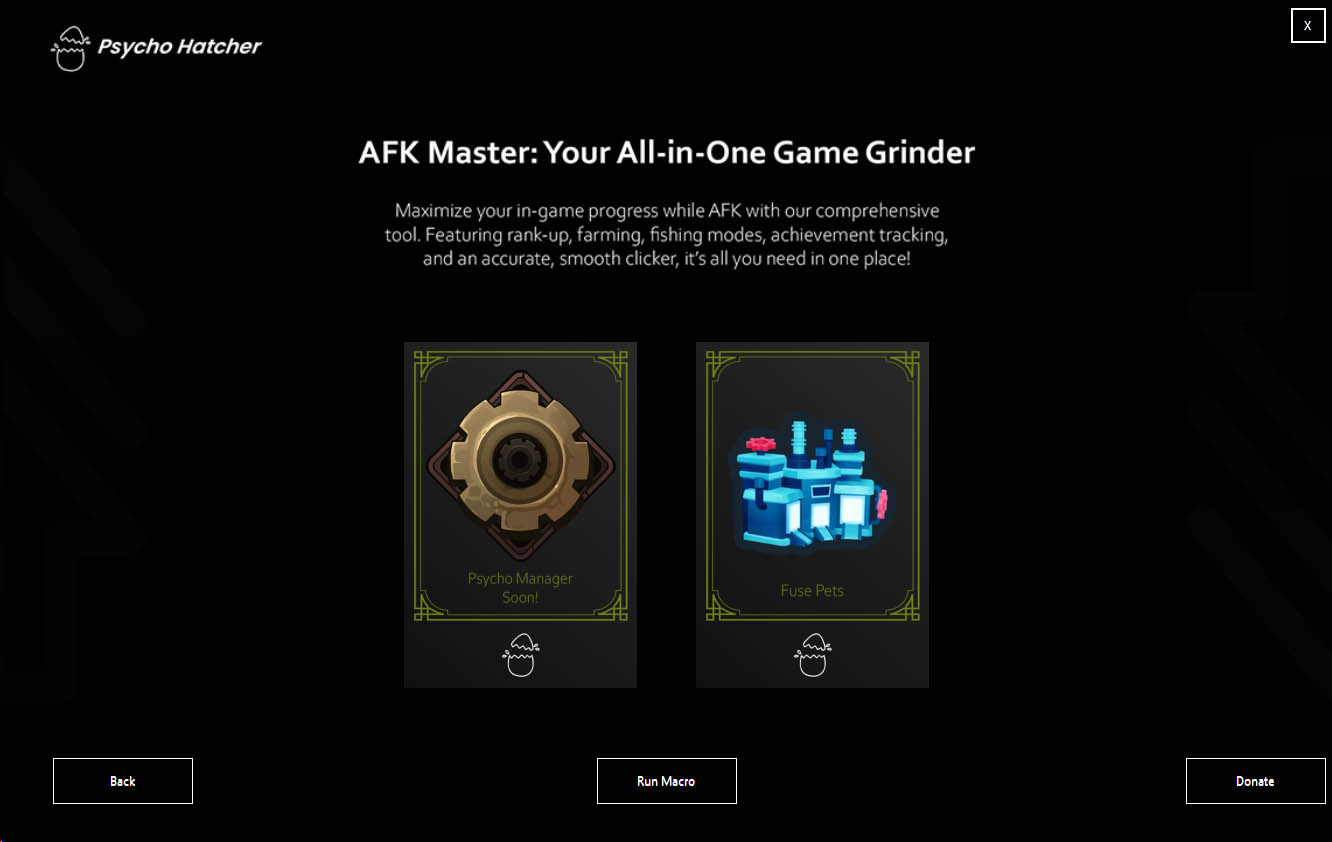
New Update: We have Dropped Our Newest Mode – FUSE PETS Mode! V1.0.19
Update 1.0.19 Tree House Mode Is Now Available! Check On Youtube We have Dropped Our…
🎉 OUR BIG UPDATE IS FINALLY HERE! 🎉
Update 1.0.16 Tree House Mode Is Now Available! Check On Youtube OUR BIG UPDATE IS…
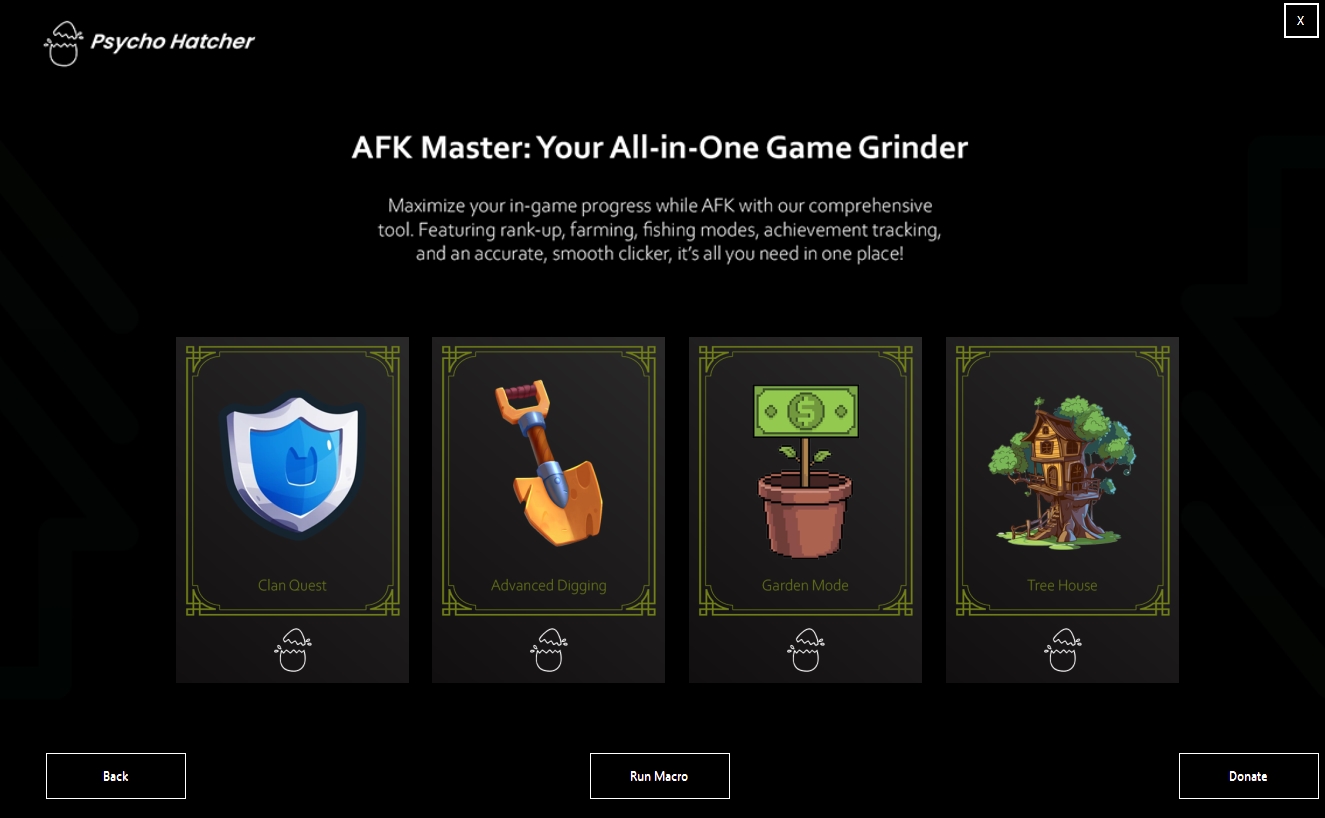
🌳 Tree House Mode Is Now Available! 🌳
We are excited to introduce our newest mode, Tree House, which has finally come out!…