
Psycho Hatcher

Market Overlord Macro Tutorial

Market Overlord Macro Tutorial

MODE : Market Overlord

Market Overlord: Setup and Usage Guide

Market Overlord is an advanced mode designed to help you streamline your buying process in the trading plaza. Follow this guide to get started quickly.

Prerequisites

  1. Download AutoHotkey V2: Download here.
  2. Install AutoHotkey V2 on your system.

Setting Up the Mode

  1. Launch the Psycho Hatcher Program:
    • Open the Psycho Hatcher software.
    • Find and select the “Market Overlord” mode.
    • Click on the “Run Tool” button to start the script.

Getting Ready to Snipe Items

Before running the mode, ensure the following:
  1. Enter the Plaza: Make sure you’re in the trading plaza in the game.
  2. Adjust Your Display Settings:
    • Scaling: Set your display scaling to 100%.
    • Window Mode: Ensure the game is not in full-screen mode.

Using the Market Overlord UI

Once the mode is running, a UI will open in the top-left corner of your screen. Here’s how to use it:
  1. Search for Your Item:
    • Use the search bar to find the item you want to target (e.g., “mini chest”).
  2. Set the Max Purchase Price:
    • Next to the item name, click the price field to enter the maximum price you’re willing to pay.
    • You can enter prices using abbreviations like K (thousand), M (million), and B (billion). For example:
      • 40k
      • 30m
      • 2b
  1. Remove Items from the List:
    • If you need to remove an item from your search, press the Delete key on your keyboard (not Backspace).

Running the Mode

Once everything is set up:
  1. Press F1 to start the sniping process.
  2. Press F2 to Pause
  3. Press F3 to exit
  4. The mode will automatically snipe items from every trading plaza according to your settings.

Troubleshooting and Support

If you encounter any issues, join the Psycho Hatcher community and create a support ticket: Psycho Hatcher Discord.

Latest News

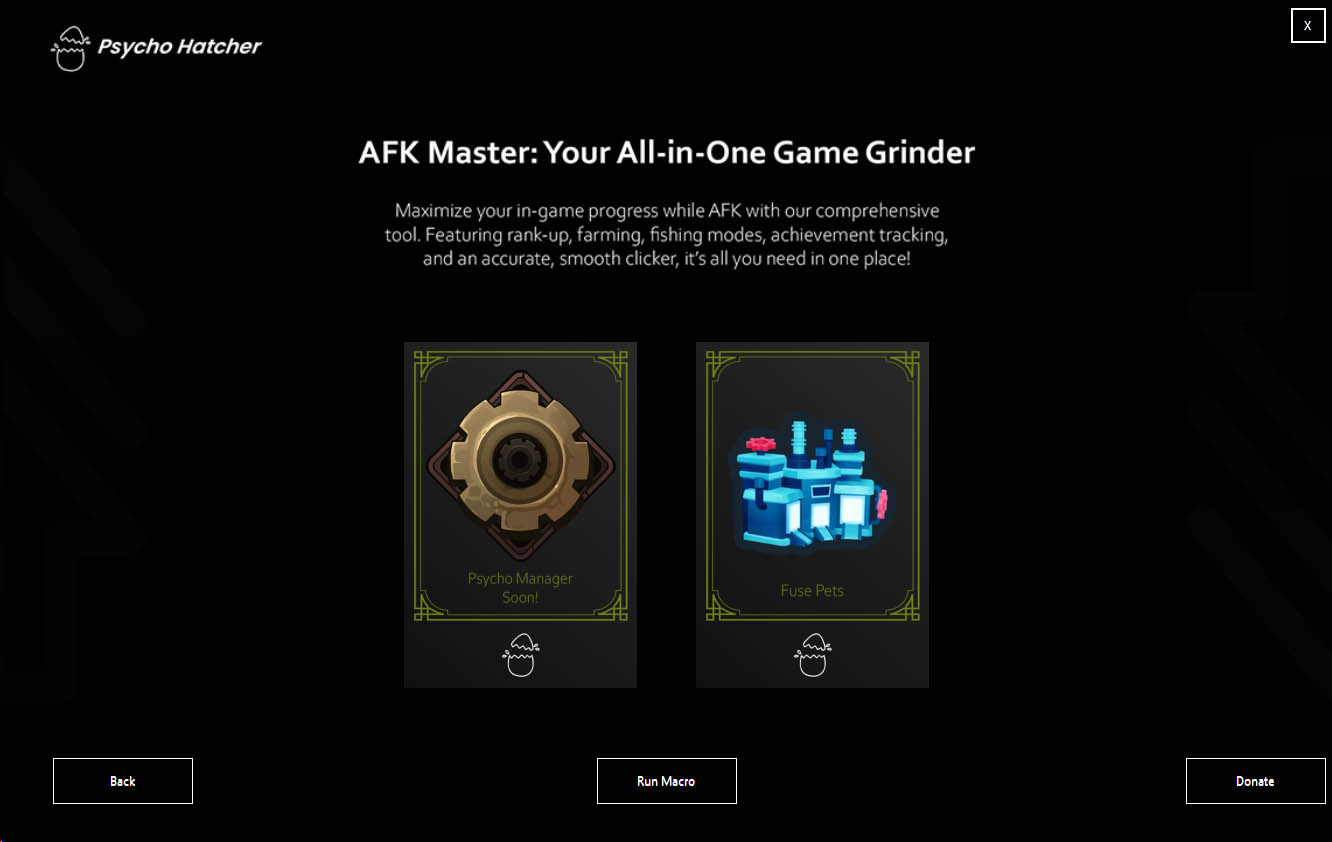
New Update: We have Dropped Our Newest Mode – FUSE PETS Mode! V1.0.19

New Update: We have Dropped Our Newest Mode – FUSE PETS Mode! V1.0.19

Update 1.0.19 Tree House Mode Is Now Available! Check On Youtube We have Dropped Our…
🎉 OUR BIG UPDATE IS FINALLY HERE! 🎉

🎉 OUR BIG UPDATE IS FINALLY HERE! 🎉

Update 1.0.16 Tree House Mode Is Now Available! Check On Youtube OUR BIG UPDATE IS…
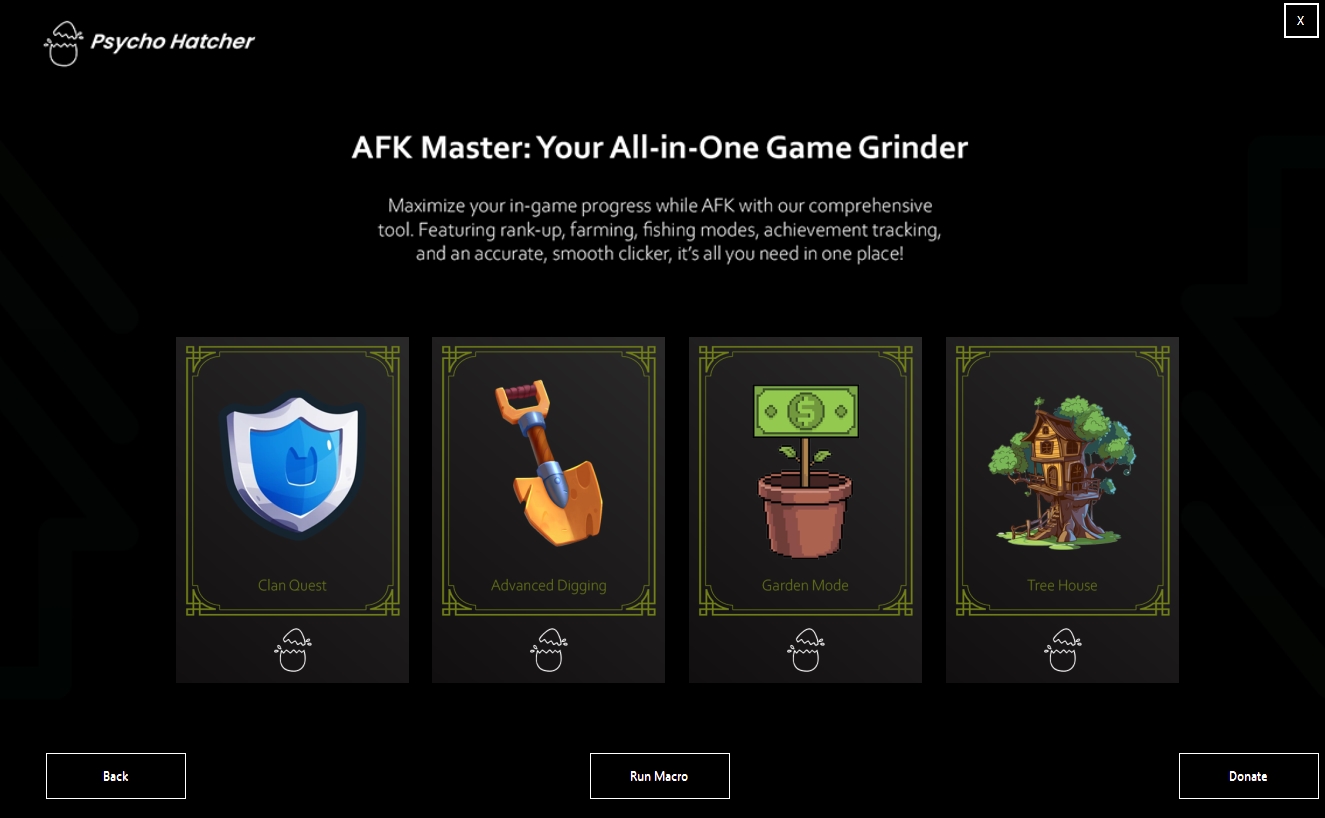
🌳 Tree House Mode Is Now Available! 🌳

🌳 Tree House Mode Is Now Available! 🌳

We are excited to introduce our newest mode, Tree House, which has finally come out!…